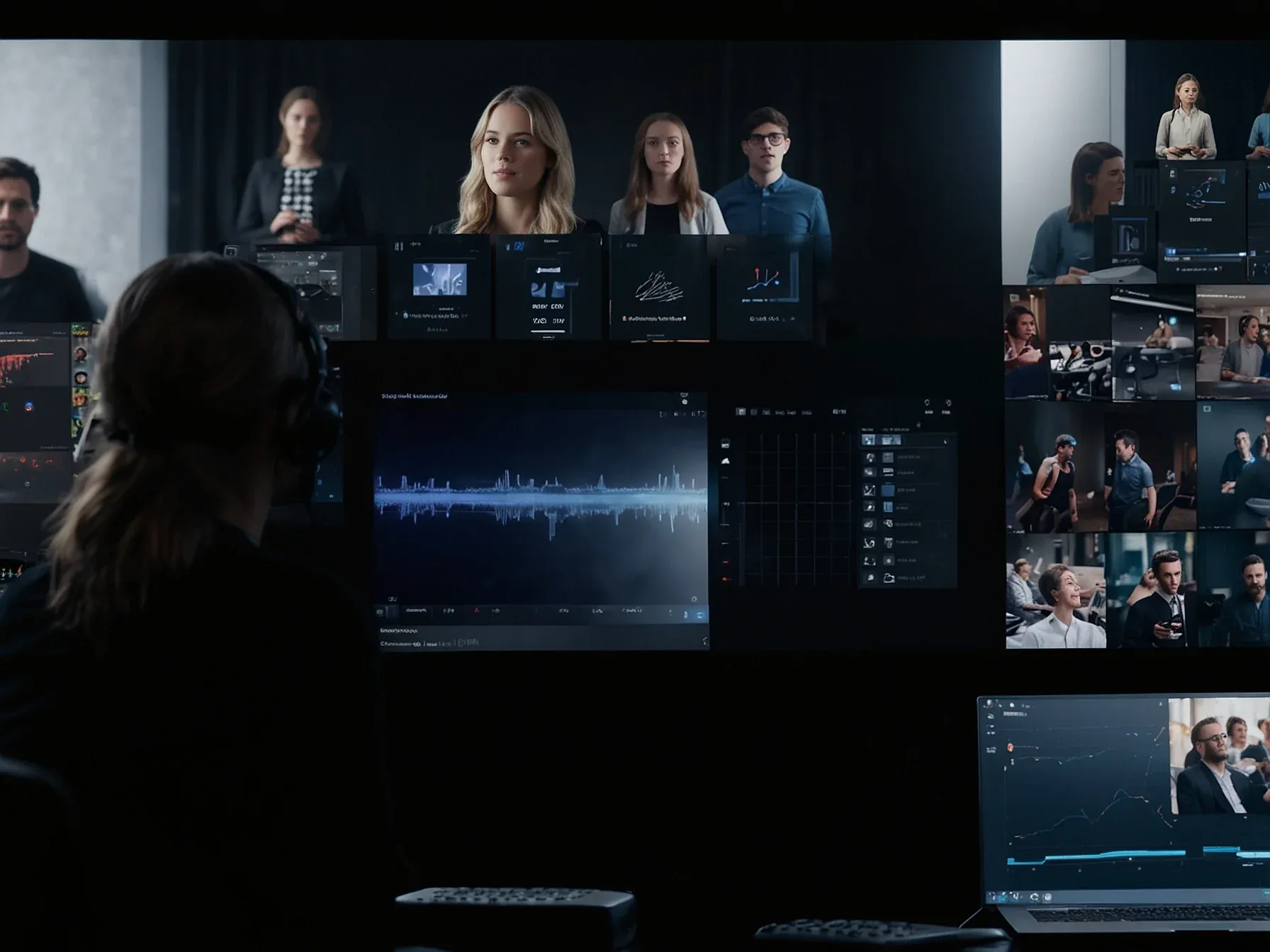
Editorial illustration for Cursor 2.0 Launches AI-Powered Coding with 8 Agents and Team Automation
Cursor 2.0: AI Coding Platform Adds 8 Agents, Voice Control
The coding editor is vanishing. In its place, Cursor 2.0 is building an AI operations center. Their power move?
A new, purpose-built model called Composer and the chaotic ability to run eight of its agents simultaneously. This isn't about smarter autocomplete. It's a hard push to restructure programming itself around AI foremen.
You can now literally bark orders at your screen. Voice control and shareable team commands are bundled in, aiming to turn vague prompts into repeatable, company-wide workflows. Cursor is betting real money that the future of coding is less about typing lines and more about directing traffic.
Speed is the non-negotiable core. They built Composer specifically for a tool where one agent might execute a terminal command, edit five files, and answer a question—all in one go. That "4x faster" claim isn't a luxury feature sheet bullet. It's the sole prerequisite for making this multi-agent concept feel usable instead of utterly agonizing.
In addition, the interface now supports voice control, shareable team commands, and improved prompt management, reflecting Cursor's move towards team-wide automation rather than individual code editing. Alongside this, Cursor also released Composer, a mixture-of-experts (MoE) coding model trained via reinforcement learning (RL). The company describes it as "a frontier model that is 4x faster than similarly intelligent models." "The model is built for low-latency agentic coding in Cursor, completing most turns in under 30 seconds.
Early testers found the ability to iterate quickly with the model delightful and trust the model for multi-step coding tasks," said Cursor. Composer was trained in real-world environments, with access to tools such as semantic search, terminal commands, and file editing to support agentic workflows.
So what do you do with eight AI agents? The vision involves decomposing a feature: one handles the database schema, another writes the API endpoint, a third drafts the frontend component. A human manager coordinates.
It’s the logical, jarring next step from Copilot’s era of single-suggestion coding. The immediate risk? Creating a chaotic, opaque system where no single person understands the full stack of AI-generated code it spits out. The promise is turning a senior engineer into a true force multiplier—directing a squad of tireless juniors.
This release is a clear power grab. By controlling Composer (the model), the interface, and their agent framework, Cursor aims to own the entire AI coding stack outright. The alternative was being just another thin frontend for OpenAI's API. Vertical integration is their argument now.
Success or overcomplication hinges entirely on whether those eight agents can work together without creating a debugging nightmare for the ages. The theory feels solid enough on paper. The practice will be gloriously messy.
Further Reading
- 2026 - The year of the Ralph Loop Agent - DEV Community
- The AI software engineer in 2026 - Builder.io
- Best AI Coding Agents for 2026: Real-World Developer ... - Faros AI
Related Reading
 Business & Startups
 Nordic pilot adds Gemini for Education, NotebookLM to boost AI literacy
 Business & Startups
 Kling launches Video O1, all-in-one model with MVL bridge using transformer
 Business & Startups
 DeepSeek Seeks More Capital Weeks After USD 7B Funding Round
 From Archives
 Google plans Gemini 3 launch in 2025 as AI drives USD 100B revenue
 From Archives
 Adani Airport Holdings partners with AionOS for multilingual AI travel service
Common Questions Answered
How many AI agents does Cursor 2.0 introduce for software development?
Cursor 2.0 launches with eight separate AI agents designed to collaborate on complex programming tasks. These agents represent a significant innovation in team-wide coding automation and collaborative software development.
What unique features does the new Cursor Composer model offer?
Cursor's Composer is a mixture-of-experts (MoE) coding model trained via reinforcement learning that claims to be 4x faster than comparable intelligent models. The model is specifically built for low-latency agentic coding within the Cursor platform.
What team collaboration features are included in Cursor 2.0?
Cursor 2.0 introduces voice control, shareable team commands, and improved prompt management to support team-wide automation. These features are designed to reduce friction in development workflows and move beyond traditional single-developer coding interactions.
Further Reading
- Papers with Code - Latest NLP Research — Papers with Code
- Hugging Face Daily Papers — Hugging Face
- ArXiv CS.CL (Computation and Language) — ArXiv
