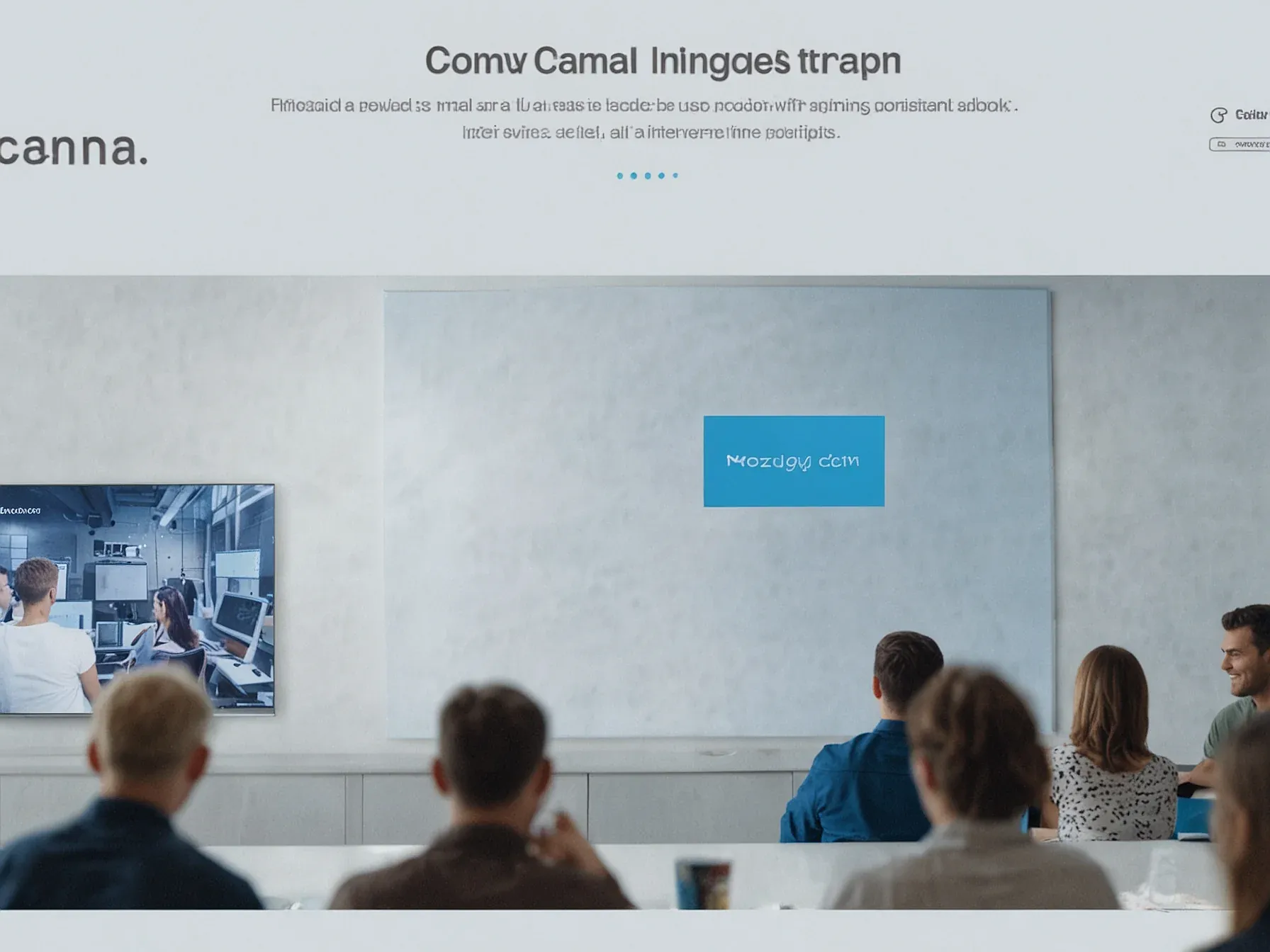
Editorial illustration for Canva Launches AI Tagging Feature for Instant Copy and Image Edits
Canva's AI Design Tool Unleashes Creative Imagination
Canva’s ‘imagination era’ lets users tag AI for copy, edits, and image variants
Canva is putting AI on tap. The design platform now lets users tag an AI assistant directly in the workflow to rewrite text, tweak images, or spin up new variants. It’s less a feature and more a persistent, nagging collaborator.
The company calls this an “imagination era.” That’s marketing. The reality is simpler: they’ve wired a chatbot into the editor. Highlight some text, type @Canva, and get suggestions. Click an image and tell the AI to modify it.
The pitch is an AI that knows your brand. A new tool called Canva Grow will scan a company’s website to infer its audience and style, then generate ads meant to match. You can build and publish them to Meta without leaving the app.
It’s a logical move for a company with 250 million monthly users, 29 million of whom pay. They’ve banked 41 billion total designs. The goal is obvious: lock teams into a single platform for creation, asset management, and ad deployment.
For all the talk of revolution, this is about automating the tedious parts of marketing production. The AI isn’t imagining. It’s following a brief made from your own data. The real shift is in the workflow, which is becoming a closed loop.
Further Reading
- Canva launches its own design model, adds new AI features to the platform - TechCrunch
- How to Use AI Tools in Canva for Smarter Design in 2026 - Agency Partner
- Introducing Canva's Creative Operating System - Canva Newsroom
- Meet Magic Studio | Canva's AI Tools - Canva
- Your all-in-one AI assistant - Canva AI - Canva
Related Reading
 Business & Startups
 Nordic pilot adds Gemini for Education, NotebookLM to boost AI literacy
 Business & Startups
 Kling launches Video O1, all-in-one model with MVL bridge using transformer
 Business & Startups
 DeepSeek Seeks More Capital Weeks After USD 7B Funding Round
 From Archives
 Anthropic's deal backs Claude on Google TPUs, Amazon Trainium, Nvidia GPUs
 From Archives
 Universal partners AI startup Udio on next-year platform, revenue for UMG artists
Common Questions Answered
How does Canva's new AI tagging feature work for design collaboration?
Users can now tag @Canva or highlight content to instantly trigger AI-powered suggestions and edits. The AI assistant acts as a real-time creative partner, allowing designers to generate copy variations, modify images, and streamline their workflow with simple interactions.
What makes Canva's AI design approach unique compared to other design tools?
Canva's AI is always present and integrated directly into the creative workflow, enabling users to collaborate with AI through simple tagging and highlighting. The platform allows instant copy suggestions and image modifications, transforming how designers interact with creative tools by treating the AI as a true collaborative partner.
What additional features has Canva introduced alongside its AI tagging functionality?
In addition to the AI tagging feature, Canva has launched a 2.0 video editor and introduced interactive form and email design tools with drag-and-drop capabilities. These new features are part of Canva's broader vision of entering what they call the 'imagination era' of design technology.
Further Reading
- Canva Launches Creative Operating System — Business Wire
- Design, code, and create with our biggest AI launches yet — Canva Newsroom
- Everything You Need to Know About Canva in 2025 — Shai Creative
- Now Designing Will be Even Smarter – Know the Features of Canva AI 2025 — JKS Digital
