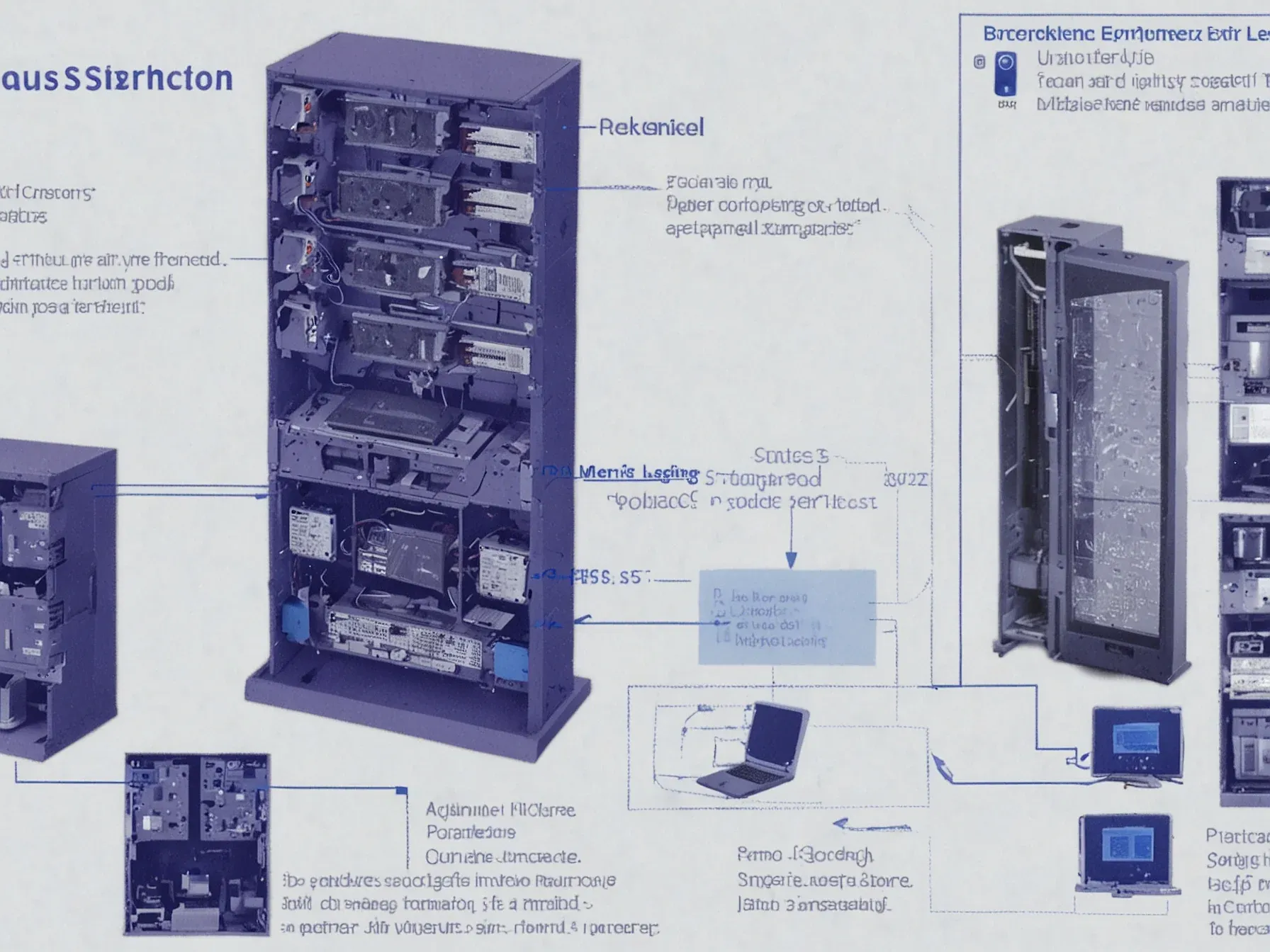
Editorial illustration for Vector Stores Emerge as Local Memory Solution for Language Models
Vector Stores Solve Local Memory Challenges for AI Models
LLMOps Guide Shows How Vector Store Becomes Model's Local Memory
Large language models are famously forgetful. They don't remember what you told them five minutes ago. The industry's current answer to this amnesia is a piece of infrastructure called a vector store, which is less a revolution and more like giving a model a very fast, very specific filing cabinet it can rifle through.
Think of it as local memory. Instead of retraining a massive model on new data, you convert information into numerical vectors—essentially, a list of numbers that captures meaning. You stuff those vectors into a database.
When the model needs to recall something, it searches this internal archive. The process is lightweight compared to the alternative, which is often just hoping the model's original training covered your question.
This matters because the most practical AI applications are built on recall. A customer service bot needs to remember the company's return policy. A research assistant must pull from a curated set of papers.
Vector stores make this possible without astronomical compute costs. They turn static data into something a model can query in real time.
At the end of this step, the vector store/ folder acts as your model's local "memory," ready to be queried in the next phase. Also Read: Top 15 Vector Databases for 2025 Here is how our final Chatbot looks like when deployed: Now let's cover all the libraries/tools that we need to make this happen and see how it all comes together. This is where we bring our vector store, retriever, and LLM together using LangChain's RetrievalQA chain. The FAISS vector store created earlier is loaded back into memory and connected to OpenAI embeddings.
The guide frames it clearly: the vector store folder is the memory. It's a technical implementation of a simple idea. The real work is in the wiring, connecting that store to a retrieval system and the model itself with tools like LangChain.
This is the unglamorous core of LLMOps. It's not about smarter models, but about building better infrastructure around them. A vector store is a pragmatic fix for a fundamental limitation.
Its value isn't in being groundbreaking, but in being usable. It lets developers sidestep the model's memory problem by building a separate one.
The promise is context-aware applications that don't break the bank. The reality is a lot of engineering to make a file look like a thought.
Further Reading
- How AI Agents Remember Things: The Role of Vector Stores in LLM Memory - FreeCodeCamp
- Mastering LLM Techniques: LLMOps - NVIDIA Technical Blog
- Building LLM Applications With Vector Databases - Neptune.ai
- How Does LLM Memory Work? Building Context-Aware AI - DataCamp
- LLMOps Architecture: A Detailed Explanation - TrueFoundry
Related Reading
 LLMs & Generative AI
 ChatGPT's 'Nerdy' tweak rewards goblin metaphors in answers, study finds
 LLMs & Generative AI
 Google to End Free Access to Gemini AI for Non-Subscribers
 LLMs & Generative AI
 AI Engineers Face Rising Costs, Need New Strategies for Efficiency
 From Archives
 ChatGPT API favors Wikipedia and obscure German sites, unlike web UI
 From Archives
 OpenAI predicts modest AI finds by 2026, breakthroughs by 2028 as costs fall
Common Questions Answered
How do vector stores solve the local memory challenge for language models?
Vector stores provide a lightweight and efficient approach to storing and retrieving contextual information for AI systems. They transform data into vector formats, allowing language models to quickly access and cross-reference specific details without significant computational overhead.
What makes vector stores different from traditional memory storage methods for AI?
Unlike traditional memory approaches, vector stores create persistent, queryable knowledge repositories that can be rapidly retrieved during AI interactions. They enable language models to maintain a localized 'memory' that goes beyond standard training limitations, allowing for more dynamic and context-aware responses.
Why are vector stores considered a breakthrough in language model technology?
Vector stores allow AI systems to instantly recall specific details with remarkable speed and efficiency. By storing information in vector formats, these specialized databases enable language models to create and maintain a more flexible and accessible form of local memory that can be quickly referenced during interactions.
Further Reading
- The Definitive 2025 Guide to Vector Databases for LLM-Powered Applications — abovo.co
- Building LLM Applications With Vector Databases — neptune.ai
- How to Give Your Local LLM a Persistent Memory — Arsturn
- Building RAG in 2025: Vector Stores as Tools is here! — n8n Community
- Top 26 LLMOps Tools for AI Application Development in 2025 — Prismetric
