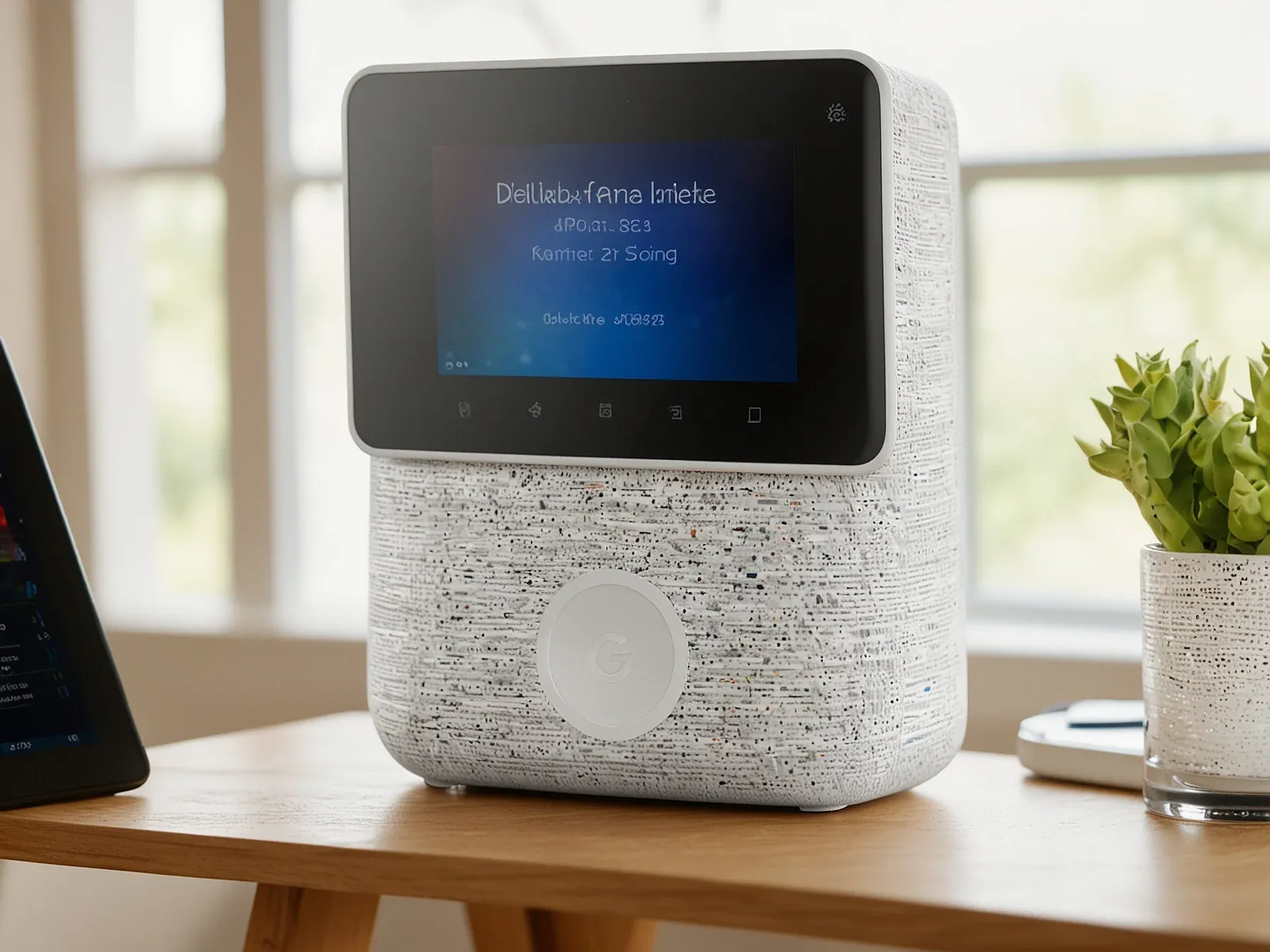
Editorial illustration for Gemini Voice Assistant Expands with 100 Music, Podcast, and TV Commands
Gemini Voice Commands Transform Home Entertainment
Gemini for Home voice assistant: 100 commands to play music, podcasts, TV
Google announced one hundred new voice commands for its Gemini home assistant. It is an attempt to make it useful.
The commands focus on music, podcasts, and TV. They are a list of things you can now say out loud and, theoretically, have happen. The examples suggest Google wants you to talk to your speaker like it’s a person with a vast, if literal, memory.
You can ask for the song of the summer from 1998. You can request a pop song about overcoming obstacles. This is the pitch: less tapping, more talking, with a machine that understands context.
"Hey Google, play the song of the summer from 1998." 23. "OK Google, I want a pop song about overcoming obstacles." Listen to podcasts, watch videos and TV 24. "Hey Google, play the latest episode of
." 25. "OK Google, play a recent podcast featuring Sundar Pichai." 26. "Hey Google, play a podcast about life in ancient Rome," or "OK Google, play a podcast about standup comedy." 27. Watch millions of YouTube videos, on any topic, right on your smart display.
"OK Google, play a video on how skyscrapers are built." 28. "Hey Google, play the latest video from
." 29. "Hey Google, what's that new movie for kids with the catchy songs everyone is talking about?" Or, "Hey Google, create a list of award-winning TV shows for me." 30.
The goal is conversational control. The assistant is meant to parse vague requests about kids' movies with catchy songs and deliver a specific answer. It should find a podcast featuring Sundar Pichai without being told which one.
It is an expansion of scope, from simple playback to a kind of semantic search you perform with your voice. The promise is flexibility. The reality will be whether it works when you mumble from the kitchen.
These one hundred commands are a bet that people want to talk to their homes more. Not just for timers and weather. For mood-based playlists and oddly specific history podcasts. It is a software update trying to feel like an upgrade.
Further Reading
- 100 things to try with the new Gemini for Home voice assistant - Google Blog
- Gemini will replace Google Assistant on Android in 2026 - 9to5Google
- Welcome to Gemini for Home voice assistant, early access - Google Nest Community
- Gemini for Home brings Gemini capabilities to Google Home devices - Google Store
Related Reading
Browse all Google news → LLMs & Generative AI
 ChatGPT's 'Nerdy' tweak rewards goblin metaphors in answers, study finds
 LLMs & Generative AI
 Google to End Free Access to Gemini AI for Non-Subscribers
 LLMs & Generative AI
 AI Engineers Face Rising Costs, Need New Strategies for Efficiency
 Related Topic
 NVIDIA and Google Cloud let developers scale AI from prototype to production
Market Trends
 Related Topic
 Google's FACTS benchmark shows 70% factuality ceiling across four tests
Research & Benchmarks
 From Archives
 Doppel AI defense halts automated attacks faster than human analysis
 From Archives
 Law and tax firm cuts drafting time to minutes with ChatGPT Business
 From Archives
 Google Cloud offers managed Slurm to rival CoreWeave and AWS in AI training
Business & Startups
 From Archives
 Google's Jules AI tackles routine code upkeep while developers design
AI Tools & Apps
Common Questions Answered
What types of voice commands can users now use with Google's Gemini voice assistant?
Google's Gemini voice assistant now supports 100 new voice commands spanning music, podcasts, and television control. Users can make specific requests like playing a particular song, finding podcasts on unique topics, or watching YouTube videos hands-free.
How specific can voice commands be with the new Gemini voice assistant features?
The new system allows remarkably precise voice interactions, such as requesting 'the song of the summer from 1998' or a 'pop song about overcoming obstacles'. Users can also ask for podcasts on niche topics like life in ancient Rome or standup comedy.
How does the Gemini voice assistant enhance media interaction for users?
The expanded voice command system enables more interactive and personalized entertainment experiences across multiple media platforms. Users can now discover and play content, watch YouTube videos, and control their media consumption through conversational, nuanced voice queries.
Further Reading
- Gemini for Home is the official replacement for Google Assistant on smart devices — Engadget
- Google Launches Gemini for Home Voice Assistant in Early Access — TechBuzz
- Gemini AI Replaces Google Assistant in Google Home (2025 Update) — Skywork AI
- Learn about Gemini for Home voice assistant - Google Nest Help — Google Nest Help
- Gemini for Home voice assistant starts rolling out in Early Access — 9to5Google
