
Editorial illustration for Cameron Adams explains Canva AI 2.0's limits for creative professionals
Canva AI 2.0: Creative Pros Reveal Product Limits
Cameron Adams explains Canva AI 2.0's limits for creative professionals
AI can generate images, layouts, and copy in seconds. It can tidy up a slide deck before you even notice the misalignment. But there’s a harder layer, the one that knows your audience, trusts your gut, and predicts what will actually land.
Cameron Adams, Canva’s CPO, gets that. In an exclusive conversation, he pulls back the curtain on Canva AI 2.0, and the message is refreshingly honest: the machine is a partner, not a replacement. The better you are at the human stuff, instinct, context, judgment, the more irreplaceable you become.
Here’s where the limits are, and why they’re actually your edge.
Understanding how people actually get to good work (Canva has 265M+ monthly users), the hesitations, the pivots, the moments of clarity, is what separates creative intelligence from generation.
So where does that leave the creative professional? Standing exactly where you’ve always been, at the helm of what matters. Canva AI 2.0 can sweep through a deck, catch a misaligned element, even suggest a layout before you think to ask.
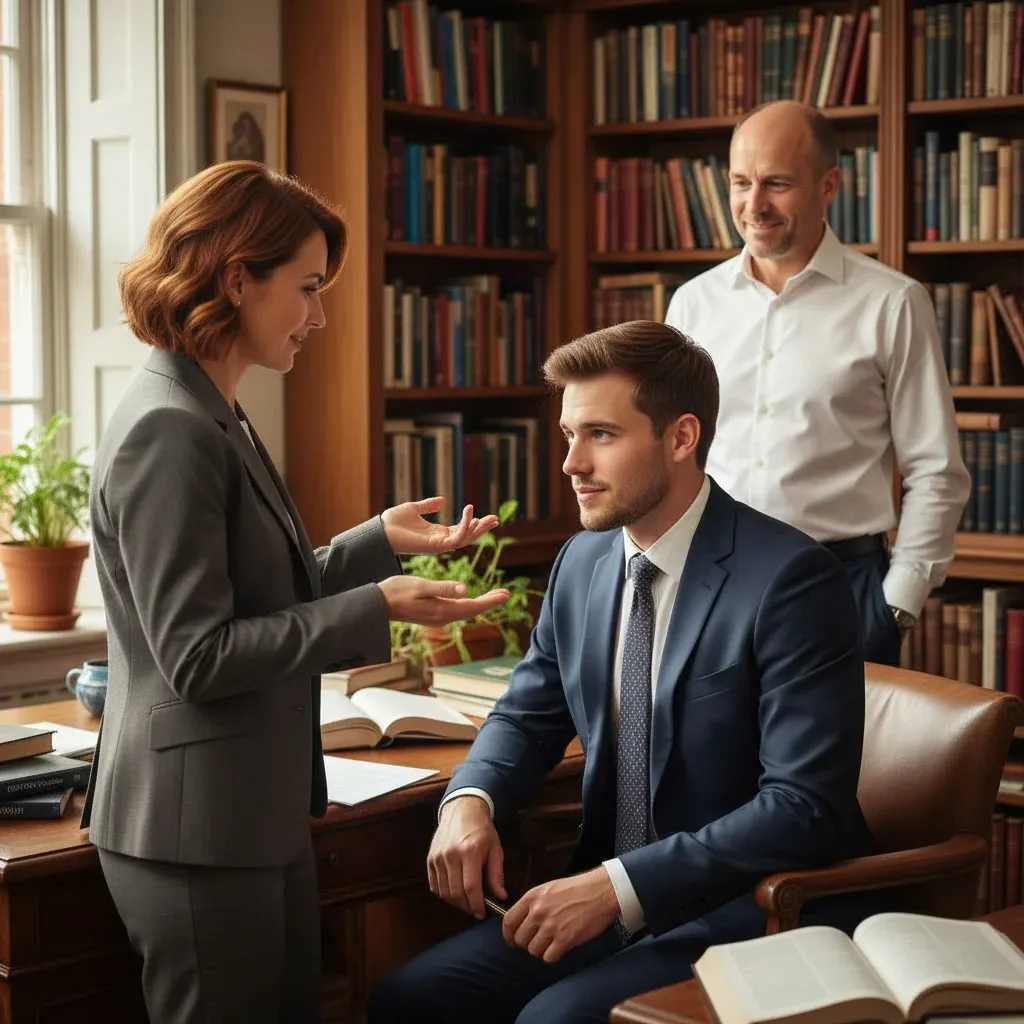
It’s a relentless assistant, fast and tireless. But it will never feel the pulse of a room. It cannot read the quiet hesitation in a client’s voice, or know when a bold choice will land versus when it will sink.
That instinct? That’s yours. The ability to sit with ambiguity, to filter a thousand possibilities through the lens of a single human insight, that is the work AI cannot touch.
The better you become at that work, the more indispensable you are. Use the tools. Let them handle the scavenger hunts and the small fixes.
Then step back and do what only you can: decide what actually works, for an audience only you truly understand. That’s the partnership. And that’s where your edge lives.
Related Reading
 Business & Startups
 Nordic pilot adds Gemini for Education, NotebookLM to boost AI literacy
 Business & Startups
 Kling launches Video O1, all-in-one model with MVL bridge using transformer
 Business & Startups
 DeepSeek Seeks More Capital Weeks After USD 7B Funding Round
 Same Week
 91% of businesses now use video marketing — AI cut the cost of keeping up by 91% too
Market Trends
 From Archives
 xAI launches standalone Grok Speech-to-Text and Text-to-Speech APIs
 From Archives
 OpenAI’s Sora head Bill Peebles and VP of AI for Science depart
Common Questions Answered
How does Canva AI 2.0 differentiate itself from previous AI design tools?
Canva AI 2.0 focuses on creating editable output that allows designers to collaborate with the AI rather than simply generating static designs. The tool embeds the AI model directly within the canvas, enabling users to instantly refine and tweak prompts, creating a more interactive design experience.
What limitations does Cameron Adams highlight about Canva AI 2.0's creative capabilities?
Adams emphasizes that while AI can quickly generate layouts, it cannot replicate critical human creative skills like understanding audience nuances, developing creative instinct, and making nuanced decisions about design effectiveness. The tool is positioned as an AI creative partner that supports designers rather than replacing their unique expertise.
How is Cameron Adams personally using Canva AI in his workflow?
According to the article, Adams is utilizing Canva AI for both personal and professional creative tasks, ranging from organizing documents and slides to more complex creative projects. He views the AI as a tool that can handle routine tasks while leaving the critical creative decision-making to human professionals.
Further Reading
- Canva Says Creation Is Broken. Canva AI 2.0 Is the Fix. — The AI Economy
- Canva unveils AI 2.0 to automate idea-to-design and challenge Adobe — Chosun Biz
- Papers with Code - Latest NLP Research — Papers with Code
- Hugging Face Daily Papers — Hugging Face
- ArXiv CS.CL (Computation and Language) — ArXiv
