Adobe Frame Forward AI Removes Subject, Fills Background
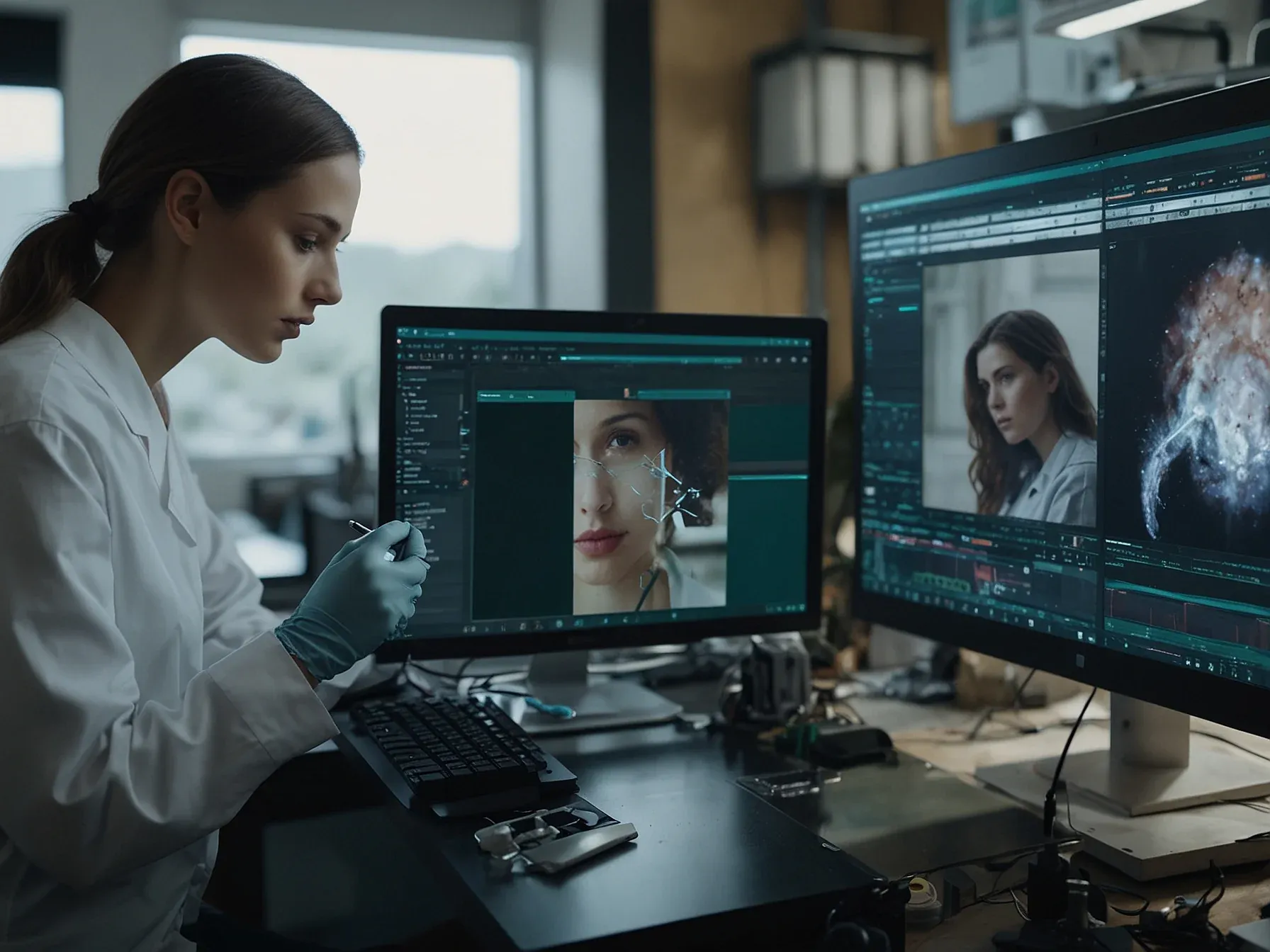
Video editing is a stubborn, tedious craft. Adobe’s new AI research project, Frame Forward, seems designed to gut the most painful part of it: removing something from a moving picture.
It promises to take a person out of a video, frame by frame, and fill the hole they leave behind. This is the kind of task editors dread.
For years, doing this cleanly meant manual labor, a pixel-by-pixel slog across hundreds of frames. Frame Forward automates the entire grunt work session. The target is obvious. The question is whether the AI is actually good enough.
Early looks suggest it might be. The precision appears significant, moving past simple background swaps into genuine scene reconstruction. It’s not an incremental tweak. It’s an attempt to solve a core, expensive problem.
Project Frame Forward is one of the more visually impressive sneaks, allowing video editors to add or remove anything from footage without using masks — a time-consuming process for selecting objects or people.
The technical ambition here is clear. Frame Forward wants to turn a week’s work into three clicks. Remove a subject.
Insert a new one with a text prompt. Have the AI handle consistency across every single frame.
The demo’s smart puddle, which reflects a moving cat, is a neat parlor trick. It shows the system trying to understand a scene, not just patch it.
But demos are perfect scenarios. Real footage is messy. How will it handle complex shadows, fast motion, or hair against a busy background? The gap between a controlled sneak peek and a reliable tool is vast.
Adobe is betting that this gap can be closed. Frame Forward is another push to make high-end post-production techniques feel mundane. The goal isn’t just to help professionals work faster. It’s to make their specific, hard-won skills less necessary.
If it works, the economics of video editing change. Not tomorrow. But soon.
Further Reading
Related Reading
 Research & Benchmarks
 Microsoft AI Chief: "If It Isn't Safe We Shouldn't Build It
 Research & Benchmarks
 Google's FACTS benchmark shows 70% factuality ceiling across four tests
 Research & Benchmarks
 Nvidia's DLSS 4.5 beta adds 6x Multi Frame Generation for RTX 50 GPUs
 Related Topic
 Adobe to buy Semrush for USD 1.9 bn, merging AI tools with SEO platform
Business & Startups
 Related Topic
 Adobe Firefly AI Assistant runs Photoshop, Premiere, Illustrator from one prompt
AI Tools & Apps
 From Archives
 IBM and AICTE launch AI Lab in New Delhi with SkillsBuild's 1,000 AI courses
 From Archives
 Meta researchers find signatures in LLM traces signal reasoning correctness
 From Archives
 Adobe's Corrective AI changes voice-over emotions, swaps music with Adobe Stock
 From Archives
 Adobe launches Project Moonlight, AI assistant for social media admin
AI Tools & Apps
Common Questions Answered
How does Adobe's Frame Forward AI remove a subject from the first frame and propagate the edit across the entire video?
Frame Forward first identifies and selects the target subject—in the demo, a woman—in the opening frame. It then erases her and fills the resulting gap with a generated background, automatically applying the same background fill to every subsequent frame with just a few clicks.
What background‑filling technique does Frame Forward use, and how does it relate to Photoshop's Context‑aware Fill or Remove Background tools?
The AI creates a natural‑looking background that mimics Photoshop’s Context‑aware Fill, using surrounding pixels to infer what should appear behind the removed subject. This approach is similar to the Remove Background feature, but it operates across time, extending the fill to each frame of the video.
Can users insert new objects into a video with Frame Forward, and what process is required to define those additions?
Yes, users can add objects by drawing a placement area on the frame and describing the desired element with an AI prompt. The system then generates the object and integrates it into the video, maintaining consistency throughout the clip.
What challenges does Frame Forward face when interpreting motion, lighting, and occlusion while extrapolating a single‑frame edit to a longer clip?
Because the tool relies on a single still image, it must infer how subjects move, how lighting changes, and how occluded areas should appear across frames, which can lead to inaccuracies. The demo showed promising results, but the article notes that handling complex motion and lighting variations remains a technical hurdle.
