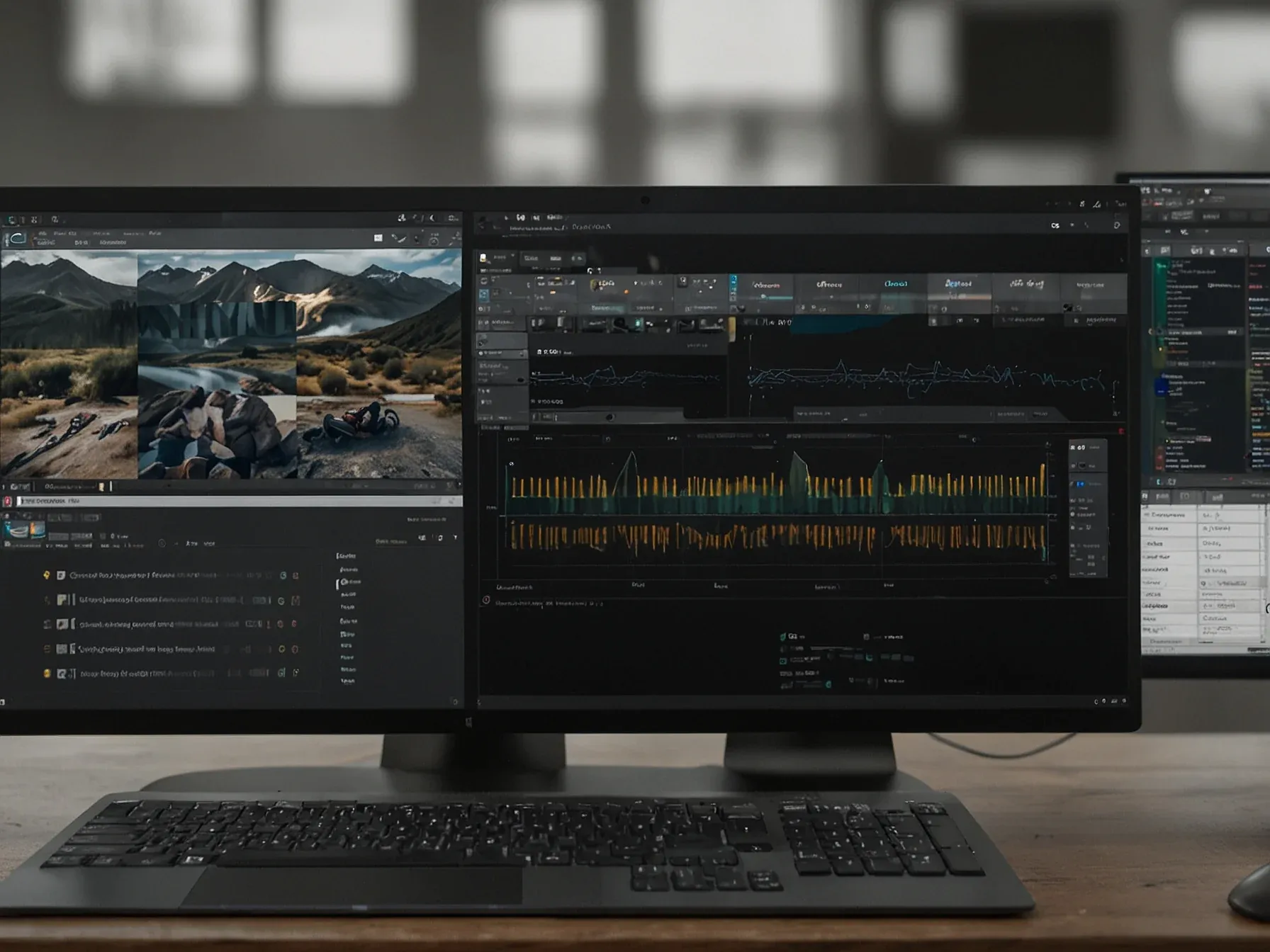
Editorial illustration for Adobe's AI Remixes Audio: Stock Music and Emotional Voice-Overs Redefined
Adobe's AI Rewrites Audio: Stock Music Meets Smart Remix
Adobe's Corrective AI changes voice-over emotions, swaps music with Adobe Stock
Audio is the bane of video editors. Adobe's latest AI project is an attempt to fix that, promising to swap the music and tweak the emotion in a voiceover with something like a button press.
It's a repair tool for bad audio. The pitch is simple. Instead of re-recording a flubbed line or hunting for a royalty-free track that matches a scene's mood, you let the AI reassemble it. The system is supposed to preserve the original room tone and reverb while swapping out the underlying components.
In the demo, Adobe's AI model was able to separate the music, replace it with a similar track from Adobe Stock, and apply effects to give it the reverb and ambiance of the original track, all with a few clicks. These features leverage AI to fix day-to-day problems for video editors and creators, helping restore broken audio or save the time and hassle of re-recording a vocal performance. Adobe will show off new generative AI features during its Sneaks showcase, too. For sound designers, the company showed me how its AI model can automatically analyze and add sound effects to a video, all of which it claims are AI-generated yet commercially safe to use.
This is Adobe's practical play. The company is showing off features meant for the slog of post-production, not the art of creation. A tool that makes an actor sound less bored without another studio session is a real thing people would use. So is swapping a copyrighted song for a generic Adobe Stock loop while keeping the acoustic feel of the original recording.
Their broader promise is a library of AI-generated, legally safe sound effects that get auto-dropped into a cut. The demo suggests a future where tedious audio cleanup, the kind that kills deadlines, is handled automatically. The creative part, supposedly, is still yours. What's left is the choice between a repaired take and a perfect one.
The tools will debut at the company's Sneaks event. If they work as shown, they won't revolutionize filmmaking. They'll just make a famously frustrating part of it slightly less awful.
Further Reading
- Adobe's new AI tool instantly changes emotion in voiceovers - NewsBytes
- Adobe's Corrective AI for Voiceover - YouTube
- Innovation and authenticity — Adobe's 2026 Creative Trends forecast - Adobe Business
- How creators are leveraging Adobe's 2026 Creative Trends - Adobe Blog
Related Reading
 Research & Benchmarks
 Microsoft AI Chief: "If It Isn't Safe We Shouldn't Build It
 Research & Benchmarks
 Google's FACTS benchmark shows 70% factuality ceiling across four tests
 Research & Benchmarks
 Nvidia's DLSS 4.5 beta adds 6x Multi Frame Generation for RTX 50 GPUs
 Related Topic
 Adobe to buy Semrush for USD 1.9 bn, merging AI tools with SEO platform
Business & Startups
 Related Topic
 Adobe Firefly AI Assistant runs Photoshop, Premiere, Illustrator from one prompt
AI Tools & Apps
 From Archives
 AI for Math Initiative finds structures showing problems harder for computers
 From Archives
 Linear MCP Gives AI Premium Access to Manage Projects via Natural Language
 From Archives
 Adobe launches Project Moonlight, AI assistant for social media admin
AI Tools & Apps
 From Archives
 Adobe launches LLM Optimizer to enhance brand visibility in AI chat services
AI Tools & Apps
Common Questions Answered
How does Adobe's new AI technology transform audio manipulation for video creators?
Adobe's AI tool allows creators to swap background music, replace tracks from Adobe Stock, and apply effects with just a few clicks. The technology can separate music tracks, restore broken audio, and simplify complex audio editing processes for video editors and sound designers.
What specific audio challenges can Adobe's AI tool address for content producers?
The AI technology can help creators replace background music, adjust voice-over emotions, and apply audio effects with remarkable precision. It aims to solve common technical challenges like re-recording vocal performances or manually editing complex audio tracks.
Where will Adobe demonstrate these new generative AI audio features?
Adobe plans to showcase these innovative AI audio tools during its Sneaks showcase, highlighting the technology's potential to transform creative workflows. The demonstration will provide insight into how AI can simplify and enhance audio manipulation for professional creators.
Further Reading
- Adobe Firefly launches AI soundtrack and voice tools — The Tech Buzz
- Adobe's Corrective AI Can Change the Emotions of a Voice-Over — WIRED (via AI Topics)
- Introducing new AI-powered features and workflow enhancements in Premiere Pro and After Effects — Adobe Blog
