
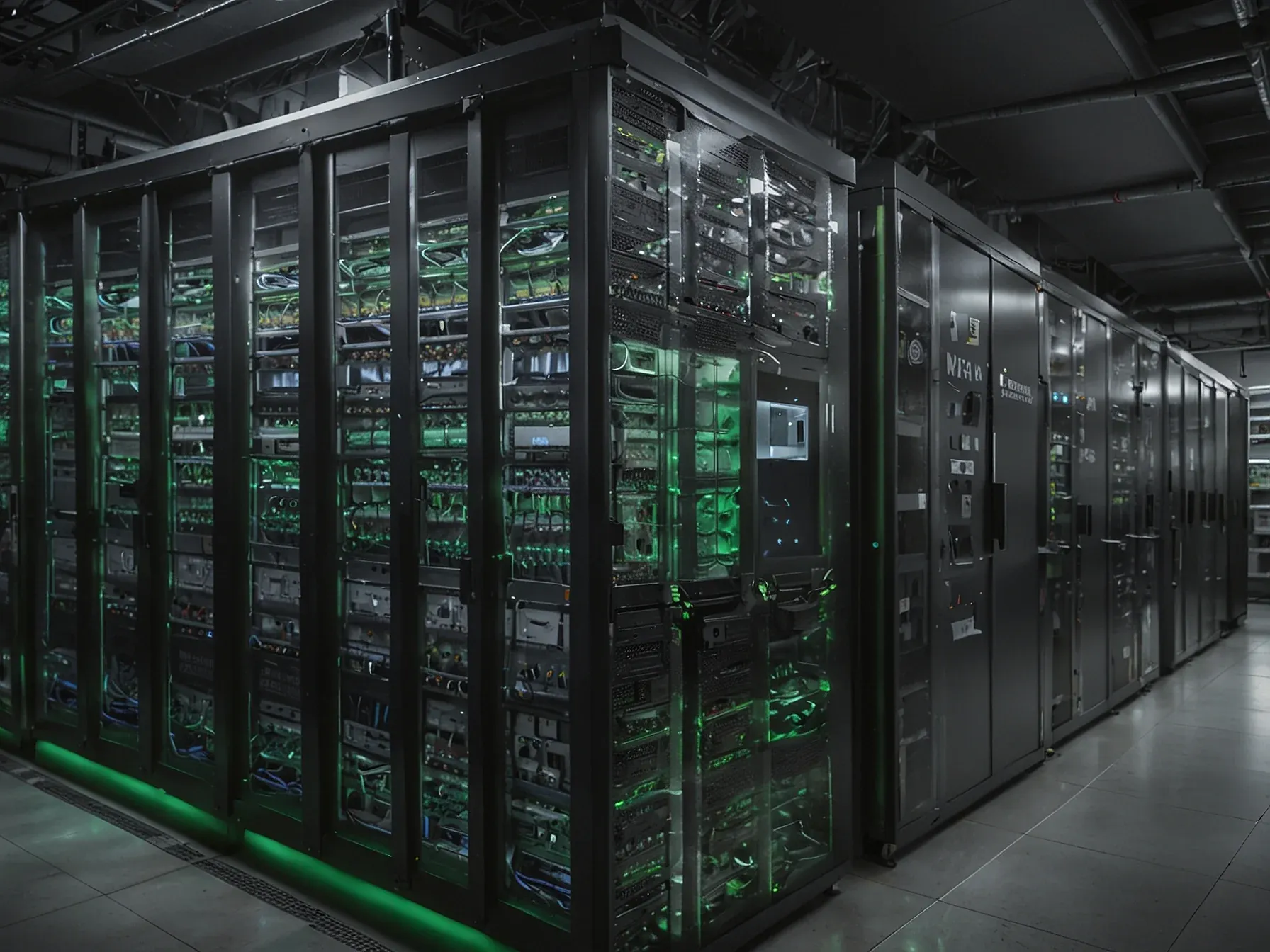
Editorial illustration for Batch Mode VC-6 and NVIDIA Nsight Speed Up Vision AI Pipelines
NVIDIA Nsight Boosts Vision AI Workload Performance
Batch Mode VC-6 and NVIDIA Nsight Speed Up Vision AI Pipelines
Vision AI pipelines keep hitting the same wall. The problem is a hardware mismatch, pure and simple. A standard image decoder fires off a flurry of tiny CUDA kernels all at once.
That creates massive overhead, choking throughput. NVIDIA's own diagnostic tools, Nsight Systems, exposed the root cause: heavy API calls and thread contention from multiple decoders fighting for resources. The GPU timeline showed a busy but ineffective scatter of blue streaks.
The fix? Process images in batches. Bundling many decodes into one coordinated operation lets the GPU swap chaotic, tiny tasks for a single, efficient workload.
Unlocked by the VC-6 decoder and tuned with Nsight Compute's kernel analysis, this batch mode revives a stalled pipeline.
In the previous post, Build High-Performance Vision AI Pipelines with NVIDIA CUDA-Accelerated VC-6, this was described as the data-to-tensor gap—a performance mismatch between AI pipeline stages.
Batch mode rewires the GPU's fundamental approach. The old method fragmented compute power. Nsight Systems rendered the cost visible: idle cycles, excessive memory traffic, launch overhead saturating the streams.
Grouping images into one batch eliminates that internal competition. You get a single, coherent operation. This transforms the GPU into a true high-throughput workhorse.
It’s a data-guided shift, converting a jumble of separate jobs into a unified workflow. The real acceleration comes from finally letting the hardware do what it was built to do.
Related Reading
 Research & Benchmarks
 Microsoft AI Chief: "If It Isn't Safe We Shouldn't Build It
 Research & Benchmarks
 Google's FACTS benchmark shows 70% factuality ceiling across four tests
 Research & Benchmarks
 Nvidia's DLSS 4.5 beta adds 6x Multi Frame Generation for RTX 50 GPUs
 Related Topic
 NVIDIA NeMo powers telco reasoning model for autonomous network workflows
Industry Applications
 Related Topic
 China offers cheaper electricity to AI firms abandoning NVIDIA chips
Business & Startups
 From Archives
 CaP-Agent0 Beats Human Code on 4 of 7 Robot Tasks Using Low‑Level Blocks
 From Archives
 Nvidia breaks MLPerf records with 288 GPUs as AMD, Intel pursue other goals
 From Archives
 Developers fine‑tune Gemma 4 on‑device with NVIDIA NeMo Automodel
LLMs & Generative AI
 From Archives
 NVIDIA's 288-GPU Blackwell Ultra Sets New MLPerf Inference Throughput Record
Common Questions Answered
How does Batch Mode VC-6 improve vision AI pipeline performance?
Batch Mode VC-6 enables decoding multiple frames in parallel, potentially increasing throughput for vision AI workloads. However, the article emphasizes that raw speed alone isn't sufficient, as the surrounding compute graph can become a bottleneck that requires careful optimization.
What tools do NVIDIA engineers recommend for optimizing CUDA performance?
NVIDIA recommends using Nsight Systems as a system-level profiler to identify initial performance bottlenecks in the compute graph. After system-level analysis, engineers can then use Nsight Compute to refine individual CUDA kernels and improve overall pipeline efficiency.
Why is moving from multiple decoders to a single decoder potentially beneficial?
Moving from multiple decoders to a single decoder can simplify scheduling and potentially reduce computational overhead in vision AI pipelines. The article suggests this approach can help align decoding, preprocessing, and GPU scheduling to improve overall system performance.
Further Reading
- Build High-Performance Vision AI Pipelines with NVIDIA CUDA-Accelerated VC-6 — NVIDIA Developer Blog
- Build High-Performance Vision AI Pipelines with NVIDIA CUDA-Accelerated VC-6 — NVIDIA Developer Forums
- A Technical Deep Dive into VC-6 Enabled AI Multi-Inference Pipelines — V-Nova Blog
