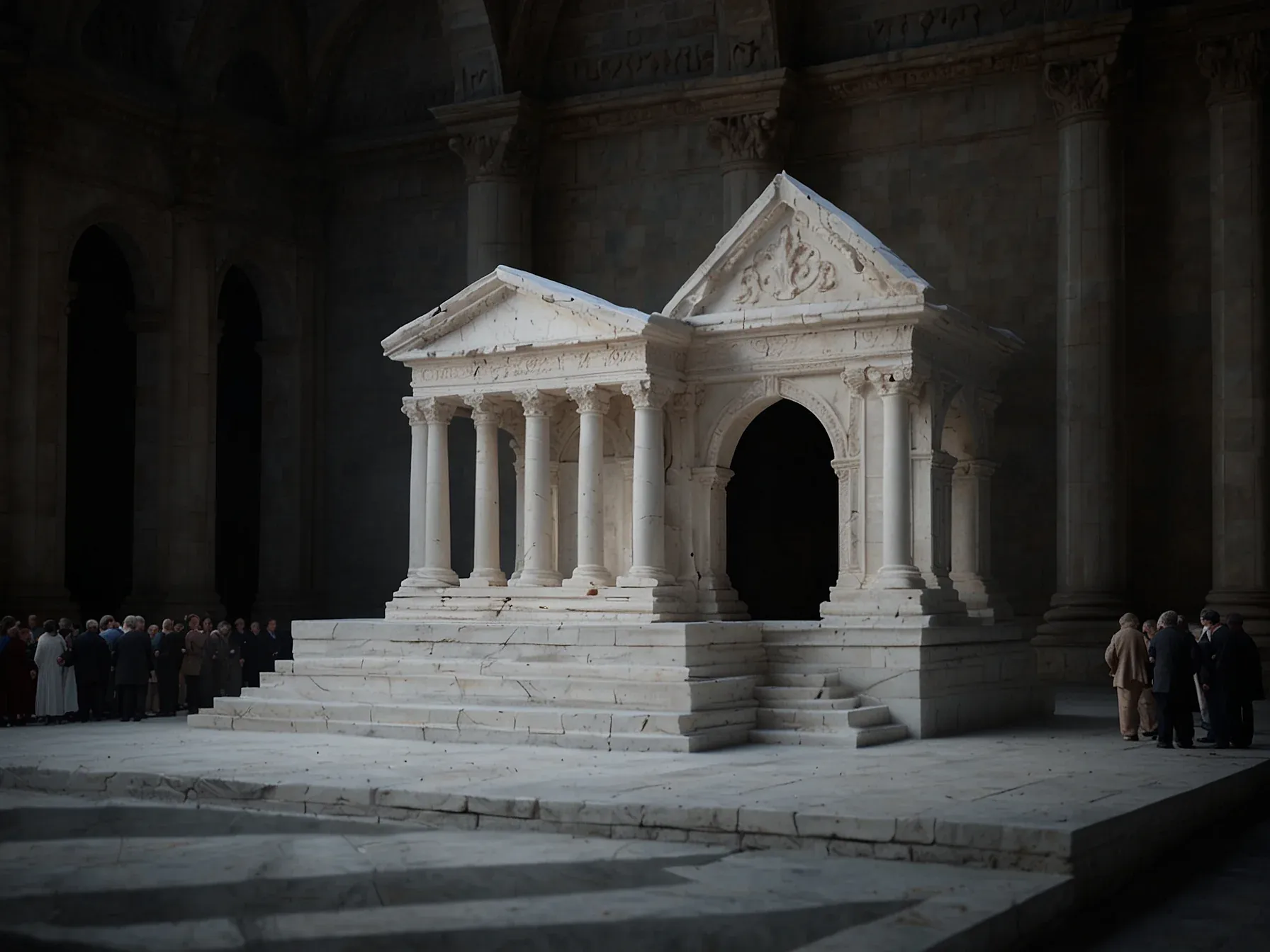
Editorial illustration for Marble AI Breakthrough: Generate Complete 3D Worlds from Text, Images, Videos
Open-Source AI Creates Full 3D Worlds from Text & Media
Marble AI Generates Full 3D Worlds from Text, Image or Video Prompts
The line between imagination and digital reality just blurred. Marble AI takes the ordinary act of typing a phrase, *a quiet medieval marketplace at dusk*, and renders it into a fully navigable 3D world. Text, image, even a short video: any human prompt becomes the seed for a complete spatial environment.
The system doesn’t just place objects; it understands geometry, depth, lighting, physics. Seconds. That’s all it takes to move from a single reference image or a handful of words to an immersive space that feels grounded.
For those who want more control, multi-image input stitches separate angles into one continuous world. This isn’t a simple visual filter. It’s a generative engine that translates what you see in your head into something you can walk through.
At its core, Marble 3D worlds model is just like any other AI chatbot (ChatGPT, Gemini, etc.) you may have used. It takes simple human input in the form of text, image, or even a short video, and transforms it into a fully realised 3D world. The process combines multiple AI systems that understand visual cues, geometry, and spatial depth, effectively converting imagination into immersive digital space.
You can begin with a single text prompt, such as "a quiet medieval marketplace at dusk," or upload a reference image to guide the model. In seconds, Marble interprets the scene, placing objects, lighting, and textures where they belong, all consistent with real-world physics and perspective. For users seeking more control, Marble supports multi-image input, allowing several angles or concepts to be stitched together into one continuous world.
Marble AI doesn’t just render a scene; it breathes logic into a digital universe. The quiet medieval marketplace at dusk isn’t a flat image, it’s a place you could walk through, a space where shadows stretch from real geometry and torchlight flickers with physics. This is the leap: from prompt to presence.
From a sentence or a snapshot to a world that holds depth, coherence, and the stubborn consistency of reality. The tool collapses the gap between imagination and experience, making the creation of immersive environments as simple as typing a sentence. For artists, designers, storytellers, and dreamers, the barrier has fallen.
Now the question isn’t whether you can build a world, but what you’ll do with the power to summon one from thin air.
Related Reading
 Open Source
 D&B rebuilds 642 million‑business database after AI agents hit limits
 Open Source
 Box CEO Aaron Levie Says AI Will Drive "Biggest Cybersecurity Upgrade
 Open Source
 Study: 6.7% of Deepfake Requests on Hugging Face Targeted Children
 From Archives
 OpenAI releases GPT-5.1 prompting guide urging completeness, consistency
 From Archives
 Automated Holiday Party Ideas 2025: Ninja, HP Sprocket, Cricut, ChatGPT Recipes
Common Questions Answered
How does Marble AI transform text, images, or videos into 3D worlds?
Marble AI uses multiple interconnected AI systems that analyze visual cues, geometry, and spatial depth to convert human input into immersive digital environments. The technology combines advanced machine learning models to understand and translate textual or visual prompts into complex, fully realized 3D spaces.
What kind of input can users provide to generate 3D worlds with Marble AI?
Users can generate 3D worlds using various input types, including text prompts, images, and short video clips. For example, a user could input a text description like 'a quiet medieval marketplace at dusk' or upload a sketch, and the AI will transform it into a complete, detailed 3D environment.
What makes Marble AI's 3D world generation technology unique?
Marble AI represents a significant breakthrough by enabling direct creation of immersive digital spaces from simple inputs, effectively bridging the gap between human imagination and technological visualization. The system's ability to understand and translate complex spatial and visual information sets it apart from traditional generative AI technologies.
Further Reading
- Marble AI: A Deep Dive into the Next Frontier of 3D World Generation — TechCrunch / World Labs
- Fei-Fei Li's World Labs speeds up the world model race with Marble, its first commercial product — TechCrunch
- What to know about World Labs Marble and where it fits in the AI landscape — TechTalks
- AI Can Now Build AND Explore 3D Worlds (World Labs + Google DeepMind) — Bilawal Sidhu (YouTube)
- Marble: A Multimodal World Model — World Labs
