Editorial illustration for Adobe Research's Agentic System Lets Users Physically DJ Their AI Art
Adobe's AI DJ System Brings Physical Controls Back
Adobe Research's Agentic System Lets Users Physically DJ Their AI Art
Apple pulled the home button off the iPhone in 2017, and the move marked something bigger than one product redesign. Cars swapped physical radio dials for touchscreens. Kitchens got smart fridges with digital panels instead of knobs. Tangible controls have been disappearing for years, replaced by flat glass that looks sleek but asks you to look at it to use it.
That tradeoff matters more than it seems. A gaming controller works because your thumbs know where the buttons are without your eyes checking. A volume dial lets you land on the exact level you want in one twist.
Touchscreens rarely offer that kind of precision or muscle memory. The problem with going back to physical buttons, though, is that they're usually locked to one function, which makes them rigid in a way digital interfaces aren't.
A new system called TangiMap, built by a graduate student and researcher at MIT's Computer Science and Artificial Intelligence Laboratory, tries to close that gap. It reassigns the physical controls on everyday devices to match whatever software a person is using at the moment, turning a single set of knobs or pads into tools that shift roles the way a DJ's pads do between tracks.
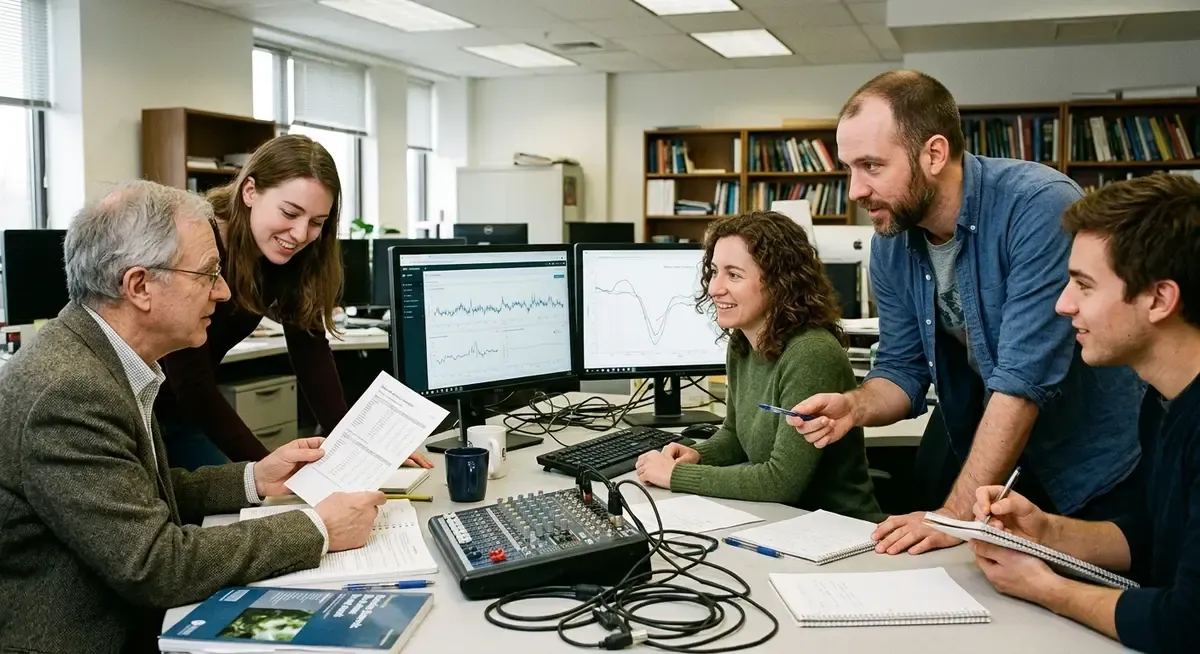
The system personalizes the physical controls on everyday devices by mapping digital widgets onto tangible inputs, turning things like editing photos, animation, performing music, and creating 3D models into more dynamic and tactile experiences. Just as a DJ’s pads switch between triggering cues, loops, and samples, TangiMap gives a device’s controls entirely new roles.
Why this matters
Adobe's TangiMap points at a real gap in how we've built generative tools: text boxes and sliders on a screen are precise, but they're not how humans actually tune things by feel. Letting someone adjust "shininess" with a physical knob while a model renders live, or map facial expressions to buttons in Character Animator, treats AI output as material to be worked rather than a result to be accepted or rejected. For developers and founders building creative AI products, that's a useful distinction to steal: the interface layer is still wide open, and most teams are defaulting to chat boxes because that's what the underlying models expect, not because it's what users want.
Researchers should note the harder problem here isn't the mapping itself, it's deciding which parameters deserve a physical control and which don't; not every AI output has a "shininess" dial waiting to be found. Worth watching whether Adobe moves this past a research demo into actual Creative Cloud tooling, or whether it stays a conference paper. The iPhone comparison in the writeup is a reminder that removing physical controls had costs nobody fully priced in at the time.
Related Reading
 Market Trends
AI drives three initiatives to accelerate global action for planet protection
 Market Trends
Anthropic Burns Gas to Feed AI Boom Amid Intense Competition for Power
 Market Trends
NVIDIA and Google Cloud let developers scale AI from prototype to production
 Related Topic
Adobe to buy Semrush for USD 1.9 bn, merging AI tools with SEO platform
Business & Startups
 Related Topic
Adobe Firefly AI Assistant runs Photoshop, Premiere, Illustrator from one prompt
AI Tools & Apps
 From Archives
Asus ProArt P16 Packs 128GB RAM, Lacks GPU for High-Price AI Future
 From Archives
Anthropic Files for IPO With Plan to Keep Founders in Control
 From Archives
NVIDIA, Adobe Expand RTX Spark Support Across Windows on Arm Apps
LLMs & Generative AI
 From Archives
Adobe, Google Expand AI Partnership; Gemini Powers Acrobat PDF Editing
AI Tools & Apps
Common Questions Answered
What is TangiMap and how does it change the way users interact with AI art creation?
TangiMap is Adobe Research's agentic system that maps digital widgets onto tangible physical inputs, allowing users to control AI art creation through physical controls rather than touchscreens. This system personalizes physical controls on everyday devices, turning tasks like photo editing, animation, music performance, and 3D modeling into more dynamic and tactile experiences by letting users adjust parameters by feel rather than through text boxes and sliders.
How does TangiMap's approach to physical controls compare to traditional touchscreen interfaces?
Unlike flat glass touchscreens that require visual attention to use, TangiMap restores tangible controls where users can operate them without looking, similar to how gaming controllers work. This addresses a significant tradeoff in modern design where sleek digital interfaces replaced physical knobs and buttons, making creative work feel more intuitive and allowing users to tune parameters by feel rather than precision clicking.
What is the DJ-inspired concept behind how TangiMap assigns functions to physical controls?
TangiMap uses a DJ pad model where physical controls can switch between triggering different cues, loops, and samples, giving a device's controls entirely new roles depending on the creative task. This approach allows users to dynamically reassign physical inputs for different functions, similar to how a DJ's equipment adapts to different performance needs throughout a set.
Why does Adobe Research believe physical controls matter more for generative AI tools than current screen-based interfaces?
Adobe argues that text boxes and sliders on screens treat AI output as a result to be accepted or rejected, rather than as material to be worked with creatively. Physical controls enable users to adjust parameters like shininess with a knob while the model renders live, or map facial expressions to buttons in Character Animator, creating a more natural workflow that aligns with how humans actually tune things by feel.
Further Reading
- Beyond the prompt: Creative intent requires more than words - Adobe Labs
- Sculpt-to-Image: Exploring Clay-based Sculpting to Support Human-AI-Co-Creation of Images - ACM Creativity and Cognition
- Diffusion TV: Experiencing Diffusion Models through Tangible, Embodied Interaction - arXiv
- Team Experience and Human Authorship in Creative Writing with AI: The Role of Artistic Practice - ACM