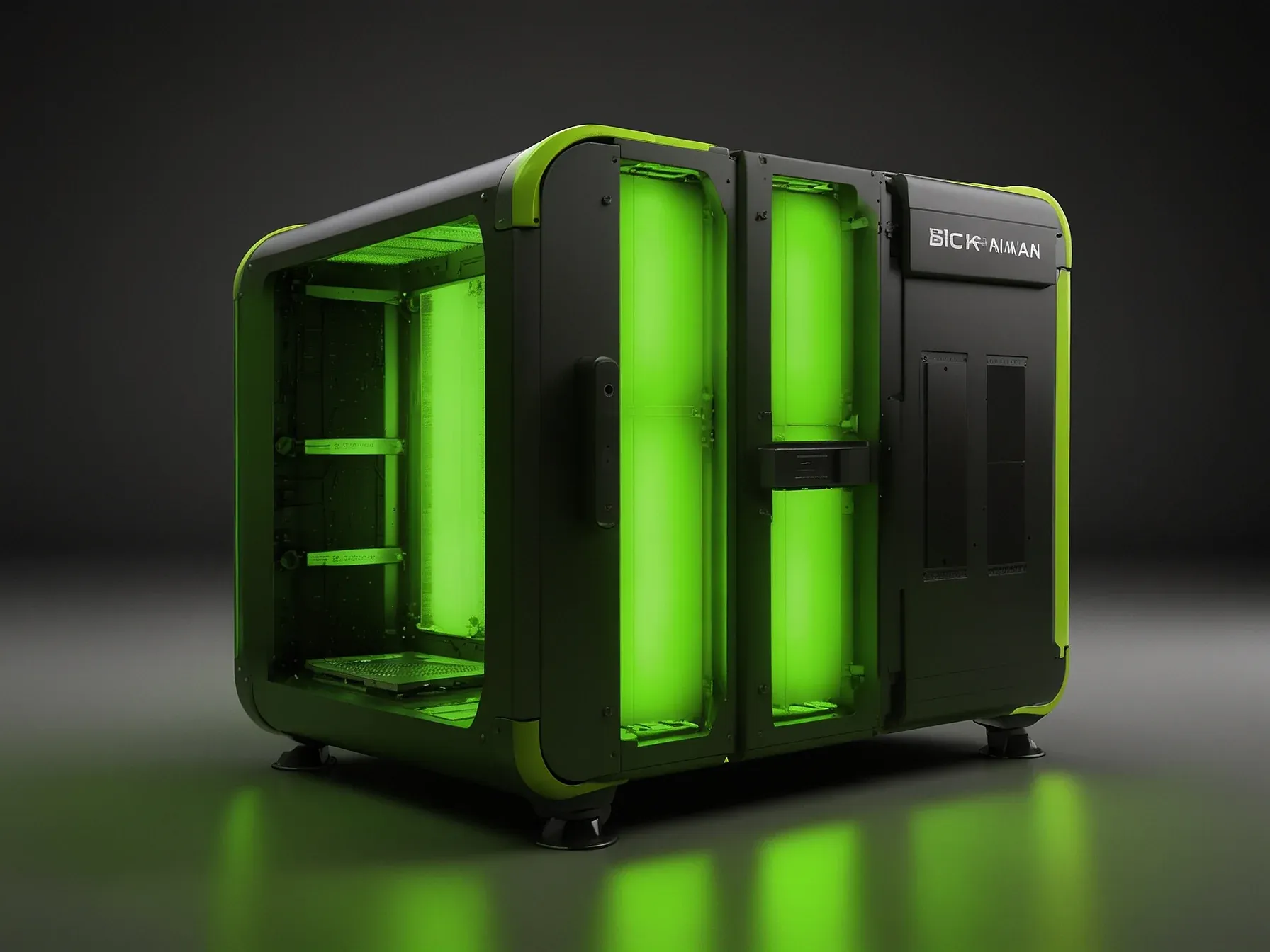
Editorial illustration for Nano Banana Pro: 10 Prompts to Master Natural, Realistic Image Lighting
Master Natural Image Lighting with Nano Banana Pro Prompts
10 Nano Banana Pro Prompts for Natural, Realistic Lighting Effects
Light is the soul of an image. Without it, even the most meticulously crafted scene falls flat. But mastering natural, realistic lighting in AI generation isn’t about luck, it’s about knowing the right prompts.
These ten Nano Banana Pro prompts do exactly that: they unlock a kind of luminosity that feels organic, lived-in, and true. Each one is a shortcut to depth, texture, and the subtle interplay of shadow and glow that separates a synthetic image from a photograph you’d swear was taken on Earth. Whether you’re rendering architecture, planetary vistas, or infographics, the difference is in the light.
Here are the prompts that make that difference.
Natural lightings, Create a realistic, lifelike image that captures the essence of the picture. Make sure the lighting, expressions, and details look as natural as possible, with a sense of realism. Ensure the background and foreground blend seamlessly for a cohesive and genuine look.
Output: Prompt: Create an Ultra HD image of the solar system and add the key features of each planet. Output: Prompt: I am uploading a blueprint of a house. Please generate a realistic, high-quality rendered image showing how the completed house would look in real life.
Use the blueprint for accurate proportions, layout, window placement and structure. Output: Prompts: High-quality, top-down flat lay infographic that clearly explains the concept of a Decision Tree in machine learning.
These prompts aren’t shortcuts. They’re blueprints. Each one forces your AI to think in layers, light, texture, context, and that’s where realism lives.
You can tweak, remix, or outright break them. The goal isn’t obedience; it’s discovery. So open a blank canvas.
Drop in a blueprint, a planet, a decision tree. Watch what happens when light stops being an afterthought and becomes the architect. That shift, from “make it look real” to “build the light first”, is what turns a generated image into something you’d swear was photographed.
Now go make a sunbeam your co-creator.
Related Reading
 Open Source
 D&B rebuilds 642 million‑business database after AI agents hit limits
 Open Source
 Box CEO Aaron Levie Says AI Will Drive "Biggest Cybersecurity Upgrade
 Open Source
 Study: 6.7% of Deepfake Requests on Hugging Face Targeted Children
 From Archives
 AirDoctor offers 40% off plus USD 400 discount on new AirDoctor 4000
 From Archives
 Google's Nano Banana Pro AI model leads GenAI-Bench in compositional imaging
Common Questions Answered
How do the Nano Banana Pro prompts help photographers achieve more realistic image lighting?
The Nano Banana Pro provides granular control over image illumination, moving beyond generic, flat renderings. Its open-source approach allows creators to craft more nuanced and lifelike lighting effects that capture the essence of natural scenes.
What key principles does Nano Banana Pro emphasize when generating realistic images?
The platform prioritizes blending backgrounds seamlessly, capturing authentic expressions, and maintaining visual coherence across different scenarios. Its prompts focus on creating ultra-realistic images that look natural and genuine, with careful attention to lighting and detail.
Why is lighting considered crucial in AI image generation according to the article?
Lighting can fundamentally make or break an image, transforming digital rendering from mechanical reproduction to a more nuanced and lifelike representation. The Nano Banana Pro approach aims to overcome the challenge of creating truly natural-looking scenes by providing sophisticated lighting control.
Further Reading
- 25 Copy-Paste Prompts for Nano Banana (2025) — Skywork.ai
- Introducing Nano Banana Pro — Google Blog
- 40+ Hottest Nano Banana Pro Prompt Text (Copy and Paste) — Fotor
- The Ultimate Guide of Nano Banana Pro Prompt — GlobalGPT
