
Editorial illustration for OpenAI Adds Transparent Backgrounds to GPT-Image-2 API
OpenAI Adds Transparent Backgrounds to GPT-Image-2
OpenAI is adding transparent background support to GPT-Image-2 through its API, letting developers generate PNG files with no background baked in at all. The company published a Cookbook entry outlining four use cases: product shots for online stores, diagrams for PowerPoint slides, design assets like icons and stickers, and artwork meant for merchandise.
Rather than generating an image and stripping the background afterward, GPT-Image-2 now builds the alpha channel directly into the generation process. OpenAI says this produces cleaner results on details that usually trip up standard background removal tools, things like glass surfaces or fine strands of fiber that get chewed up when a background gets cut out after the fact.
Developers turn on the feature with a new "background=transparent" parameter. OpenAI's guidance also covers a few practical wrinkles: skip background descriptions in the prompt entirely, since including them can cause the model to render one anyway, and double-check any charts with specific numbers by hand, since the output is a raster image without guaranteed pixel accuracy. Getting set up requires Python, the OpenAI and Pillow libraries, and an active API key.
OpenAI is previewing transparent background support for GPT-Image-2 through its API. Users can generate PNGs with no background. The Cookbook covers four use cases: product shots for online stores, PowerPoint diagrams, design elements like icons and stickers, and merchandise artwork.
Why this matters
For anyone building product pages, slide decks, or sticker packs with AI-generated art, this closes a gap that's forced developers into clunky two-step workflows for years: generate an image, then run it through a separate background-removal tool like remove.bg, and hope the edges hold up around hair, glass, or fine detail. OpenAI's pitch is that baking the alpha channel in at generation time beats stripping it out after the fact, which, if true, saves an API call and a debugging headache for anyone shipping e-commerce assets at scale. The four use cases OpenAI lists in the Cookbook (product shots, slide graphics, icons, merch art) read like a checklist aimed squarely at small teams and solo founders who don't have a design pipeline to fall back on. It's a narrow feature, not a new model, but narrow features are often what tip a tool from "interesting demo" to "thing I actually build with." Worth watching whether output quality holds up on genuinely tricky edges, not just the clean product shots in OpenAI's own examples.
Related Reading
Browse all OpenAI news → LLMs & Generative AI
 ChatGPT's 'Nerdy' tweak rewards goblin metaphors in answers, study finds
 LLMs & Generative AI
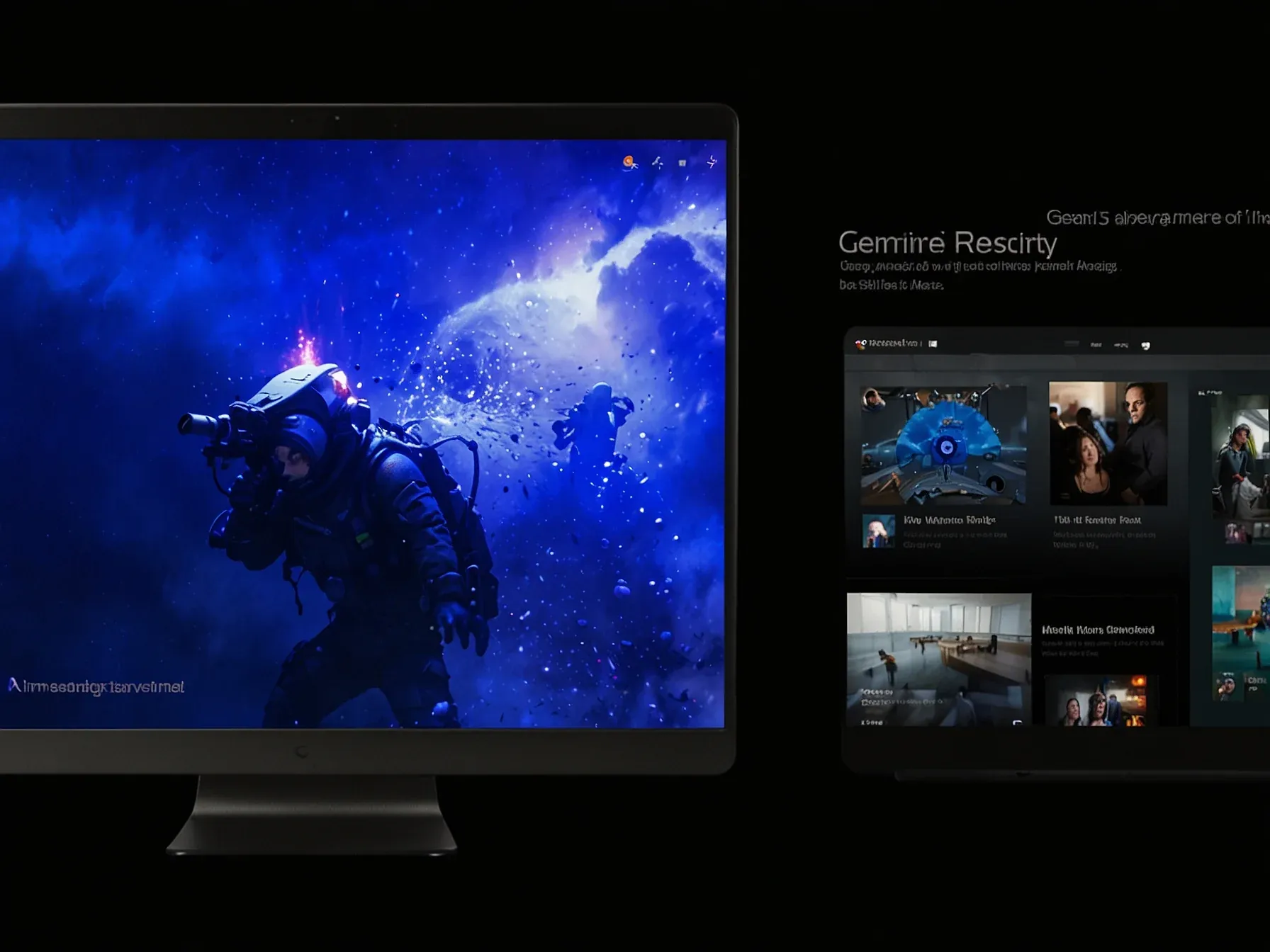
 Google tests visual 'magazine-style' UI for Gemini 3 Pro users
 LLMs & Generative AI
 AI Engineers Face Rising Costs, Need New Strategies for Efficiency
 Related Topic
 OpenAI's GPT Transcribe Cuts Error Rate to 3.31%, Improving on GPT-4o
Open Source
 Related Topic
 OpenAI Developer: AI Agent "Swarms" Waste Tokens, Create "Coordination Tax
AI Tools & Apps
 From Archives
 ChatGPT Plugin Lets You Sort and Edit Texts in Apple Messages
 From Archives
 Grok's gibberish responses affect small subset of users
 From Archives
 Anthropic leads OpenAI 44% to 40% in business spend, Ramp data shows
Open Source
 From Archives
 OpenAI's Safety System Catches Misuse Without Storing User Data
Business & Startups
Common Questions Answered
How does GPT-Image-2's transparent background feature work differently from traditional background removal?
Rather than generating an image and then stripping the background afterward using separate tools, GPT-Image-2 now builds the alpha channel directly into the generation process. This approach produces cleaner results around complex details like hair, glass, and fine edges while eliminating the need for a second API call to background-removal services.
What are the four primary use cases for transparent background PNG generation in GPT-Image-2?
OpenAI's Cookbook outlines four main use cases: product shots for online stores, diagrams for PowerPoint slides, design assets like icons and stickers, and artwork meant for merchandise. These applications benefit significantly from having images with no background baked in, allowing for more flexible integration into various design contexts.
Why is generating transparent backgrounds at creation time better than removing them after generation?
Building the alpha channel directly during image generation produces superior results, particularly around intricate details that background-removal tools often struggle with. This native approach saves developers from running clunky two-step workflows, reduces API calls, and eliminates debugging issues that arise from imperfect post-generation background removal.
What file format does GPT-Image-2 use for images with transparent backgrounds?
GPT-Image-2 generates PNG files with transparent backgrounds through its API. PNG format is ideal for this use case because it supports alpha channels, allowing developers to maintain transparency when integrating the images into their applications and designs.
Further Reading
- Transparent backgrounds are now available in preview for GPT-Image-2 in the API - OpenAI Changelog
- GPT Image Generation Models Prompting Guide - OpenAI Cookbook
- Create image | OpenAI API Reference - OpenAI API Reference
- Create image edit | OpenAI API Reference - OpenAI API Reference
- GPT Image 2 (OpenAI) · Cloudflare AI docs - Cloudflare AI Docs
